Why your office air matters
You spend 8+ hours a day in your office. The air quality in that room affects:
- Focus — Low oxygen (from CO2 buildup) causes fatigue and reduced cognitive performance. A purifier doesn’t remove CO2, but it keeps the particulate matter low so you’re not breathing in dust on top of elevated CO2.
- Allergy symptoms — Dust, pollen, and pet dander accumulate on your desk, in your carpet, and in the HVAC system. A purifier captures these before they trigger sneezing, itchy eyes, and nasal congestion.
- Odors — Coffee, lunch, cleaning products, and printer toner all add to the air. A purifier with activated carbon helps with light odors.
- Mold spores — In humid climates, offices can develop mold in the carpet or on the walls. A HEPA filter captures these spores.
What a purifier can (and can’t) do
| Pollutant | HEPA filter | Carbon filter | Ventilation |
|---|---|---|---|
| Dust, pollen, dander | ✅ 99.97% | ❌ | ⚠️ Partial |
| Mold spores | ✅ 99.97% | ❌ | ⚠️ Partial |
| Smoke particles | ✅ 99.97% | ❌ | ✅ |
| CO2 | ❌ | ❌ | ✅ Only |
| Odors (coffee, lunch) | ❌ | ✅ Good | ✅ Best |
| TVOCs (cleaning products) | ❌ | ⚠️ 20–40% | ✅ Best |
The key insight: An air purifier is a particulate filter — it’s great for dust, pollen, mold, and smoke. It’s not a CO2 scrubber. For CO2, you need ventilation (open a window, use an exhaust fan). For odors and VOCs, you need a purifier with a good carbon layer.
The best picks for a home office
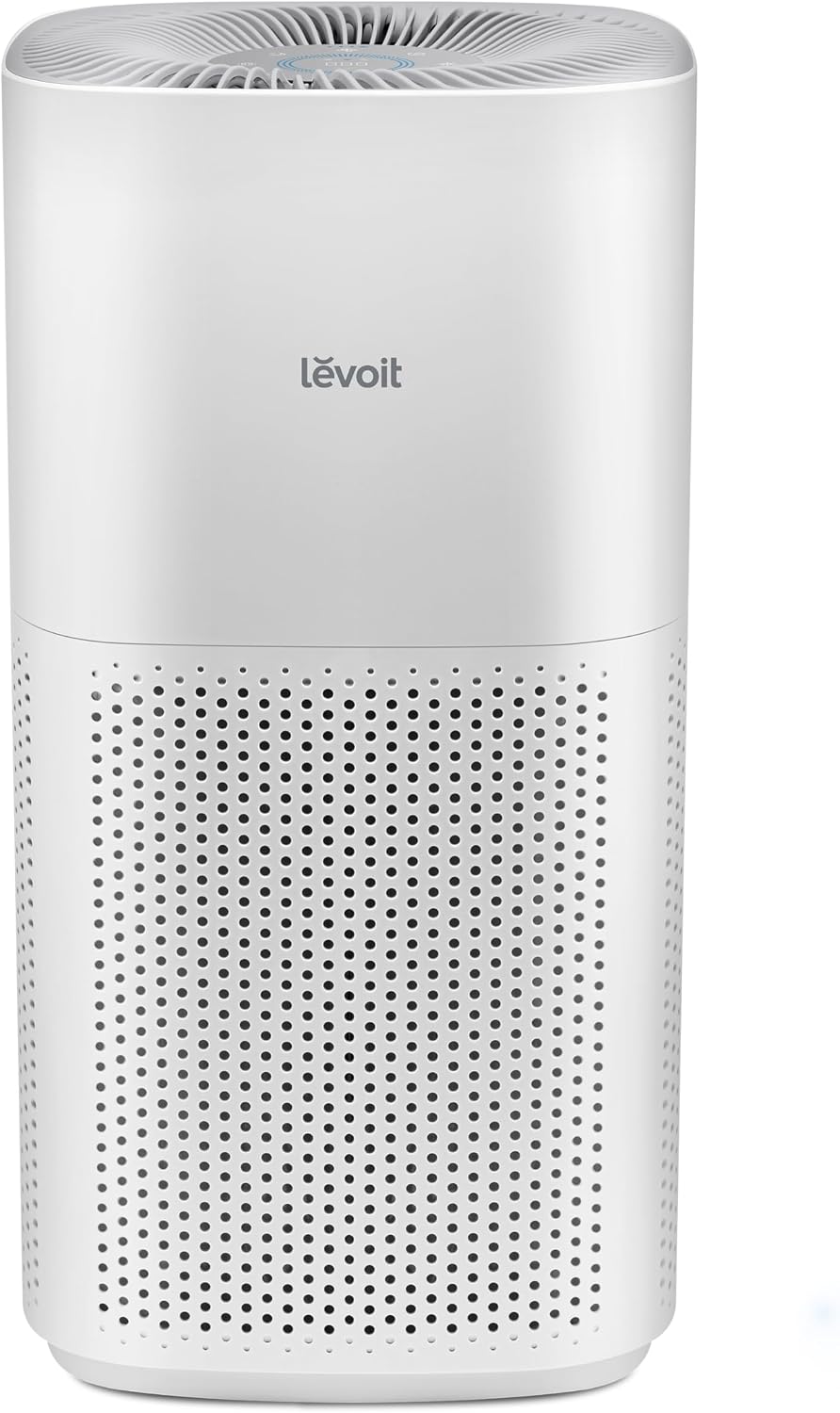
1. Levoit Core 300 — Best no-frills pick ($105)
If you just want a cheap, effective purifier for a 10×10 ft home office, the Core 300 is the best value. No app, no Wi-Fi, no display — just a purifier with three buttons. At 24 dB on low, it’s inaudible during a video call.
The catch: No smart features. You’ll need to manually turn it on and off. No air-quality display.
2. Xiaomi Mi Air Purifier 4 Compact — Best smart pick ($219)
If you want smart features (scheduling, remote control, air-quality history), the 4 Compact is the best pick. The Mi Home app lets you set it to turn on at 8 AM (when you get to work) and off at 6 PM (when you leave). The PM2.5 history graph shows you the dust pattern throughout the day.
The catch: Mi Home app only. If you’re in the Alexa/Google ecosystem, the Levoit Core 300S is the better pick.
3. Levoit Core 300S — Best for Alexa/Google users ($150)
If you want voice control without the Mi Home dependency, the Core 300S is the best pick. Say “Hey Google, start the office purifier” from the kitchen. The display dims in sleep mode (useful if you work late and the office doubles as a bedroom).
4. Xiaomi Smart Air Purifier 4 Compact (2024) — Best ultra-quiet pick ($199)
If you work in a quiet environment (home studio, library) and need the purifier to be inaudible, the Smart 4 Compact is the quietest smart purifier we’ve tested. At 20 dB on the lowest setting, it’s below the threshold of a whisper.
The 3-step workspace air protocol
Step 1: Morning (8 AM)
- Turn on the purifier (manual or via app/schedule)
- Open a window for 5 minutes to flush out the overnight CO2
- Close the window and let the purifier do its job
Step 2: Midday (12 PM)
- Take a break, step outside for 5–10 minutes
- The CO2 level drops significantly
- The purifier keeps the particulate matter low
Step 3: Evening (6 PM)
- Turn off the purifier (or let it run on low if you’re staying late)
- Open a window for 10 minutes to ventilate
- The purifier’s PM2.5 reading should be back to baseline
The bottom line
For a home office, the Levoit Core 300 (~$105) is the best no-frills pick — quiet, effective, and stupidly affordable. If you want smart features, the Xiaomi Mi Air Purifier 4 Compact ($219) is the best value. The key is to run it on auto mode all day and ventilate twice a day (morning + midday) to keep the CO2 low.
A purifier is a particulate filter, not a CO2 scrubber. Pair it with daily ventilation, and you’ll have a workspace that’s actually pleasant to be in for 8+ hours a day.